

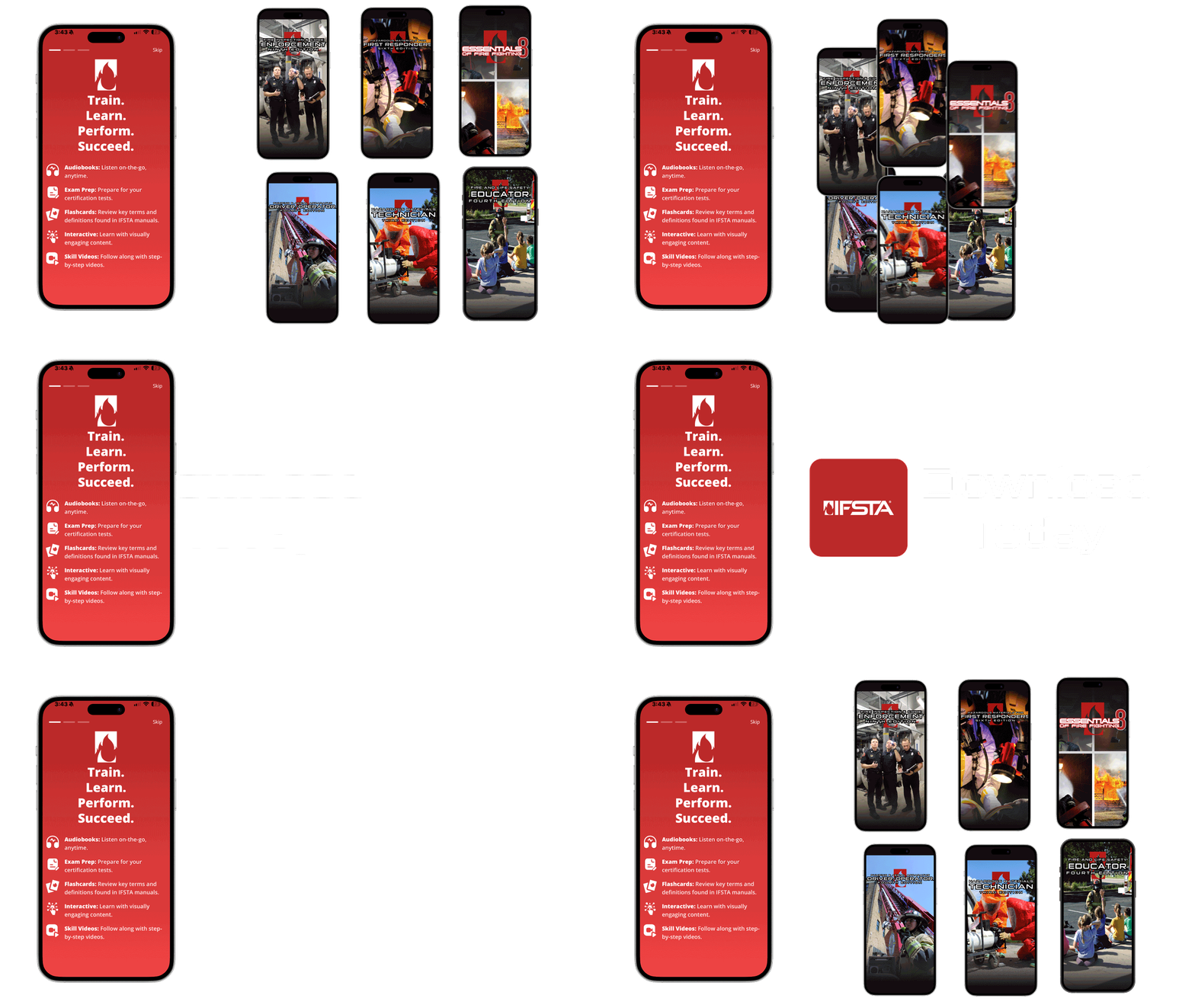
Download The IFSTA Mobile App


About The IFSTA Mobile App
The new IFSTA Mobile App brings study and training resources for multiple IFSTA titles together in one convenient location. Instead of downloading a separate app for each manual, students can now access available IFSTA study tools and digital resources through a single app.
Whether you are preparing for a driver/operator certification exam, reviewing fire fighting skills, or practicing hazardous materials placard and container recognition, the IFSTA Mobile App gives you flexible access to the resources you need wherever your training takes you.
Many study resources are available at no cost, with additional premium resources available for purchase directly through the app.
Download the IFSTA Mobile App Today.
- Essentials of Fire Fighting, 8th Edition
- Fire Inspection and Code Enforcement, 9th Edition
- Fire and Life Safety Educator, 4th Edition
- Hazardous Materials Technician, 3rd Edition
- Hazardous Materials for First Responders, 6th Edition
- Pumping and Aerial Apparatus Driver/Operator Handbook, 4th Edition
Audiobooks and Flashcards Available for Every Current and Future IFSTA Title!


How to migrate your purchases and progress from the single-titled IFSTA Apps to the new IFSTA Mobile App
iOS Tutorial
Android Tutorial
Before you begin, check the following details:
✓ Ensure your device is using the same Apple ID or Google Play Account that made the purchases in the single-title IFSTA app.
✓ Ensure your single-title IFSTA apps are up to date. You can check this by navigating the Apple App Store or Google Play Store and searching for the app. An update button will appear if your app is not up to date.
STEP 1: Once you have verified these details, open your single-title IFSTA app. Progress through the two IFSTA Mobile App screens, and tap “Continue to Login”.
STEP 2: Login with your IFSTA credentials or create an account if you do not already have one. If you have multiple IFSTA credentials, it will be up to you which account you want to use going forward.
NOTE: Before you tap “Migrate now”, we strongly recommend you check that your purchases are redeemed and/or restored before moving on to the next step. Do this by selecting “Skip”, navigate to your in-app purchases, and tap “Buy All”. Once your data has been migrated, you will no longer have access to your purchased content through the single-title app; instead, it will be available to you exclusively through the new IFSTA Mobile App.
STEP 3: If you want to migrate your purchases and data, select “Migrate Now”. You will receive a message confirming your data successfully migrated.
STEP 4: Continue to the IFSTA Mobile App to confirm access to your purchased content.
STEP 5: Repeat for each single-title IFSTA app you want to migrate data and purchases from.
Contact IFSTA support at support@ifsta.org or call (800) 654-4055 for assistance with the IFSTA Mobile App.